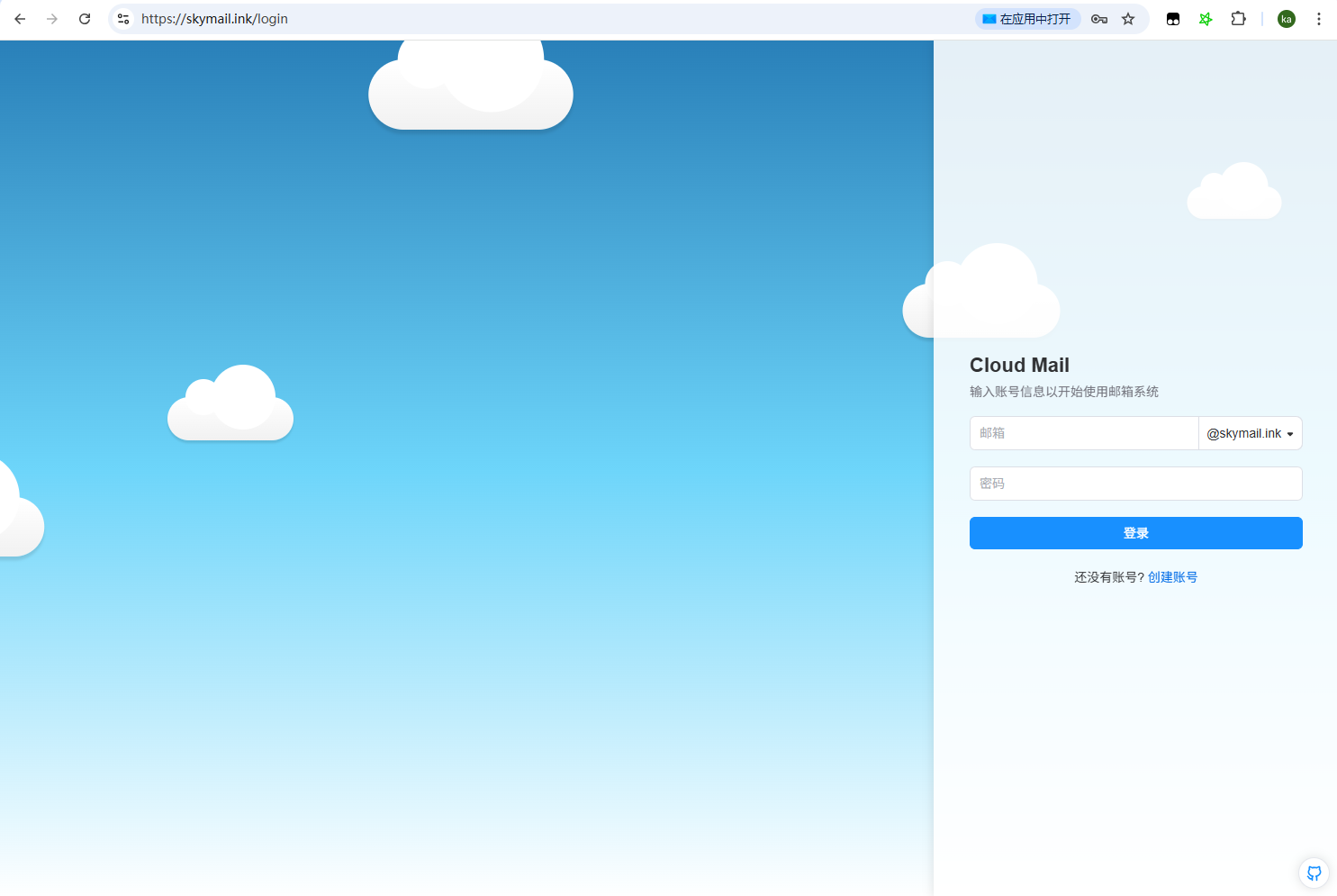
GitHub Actions Deployment
API Token Creation
create a token using a template.
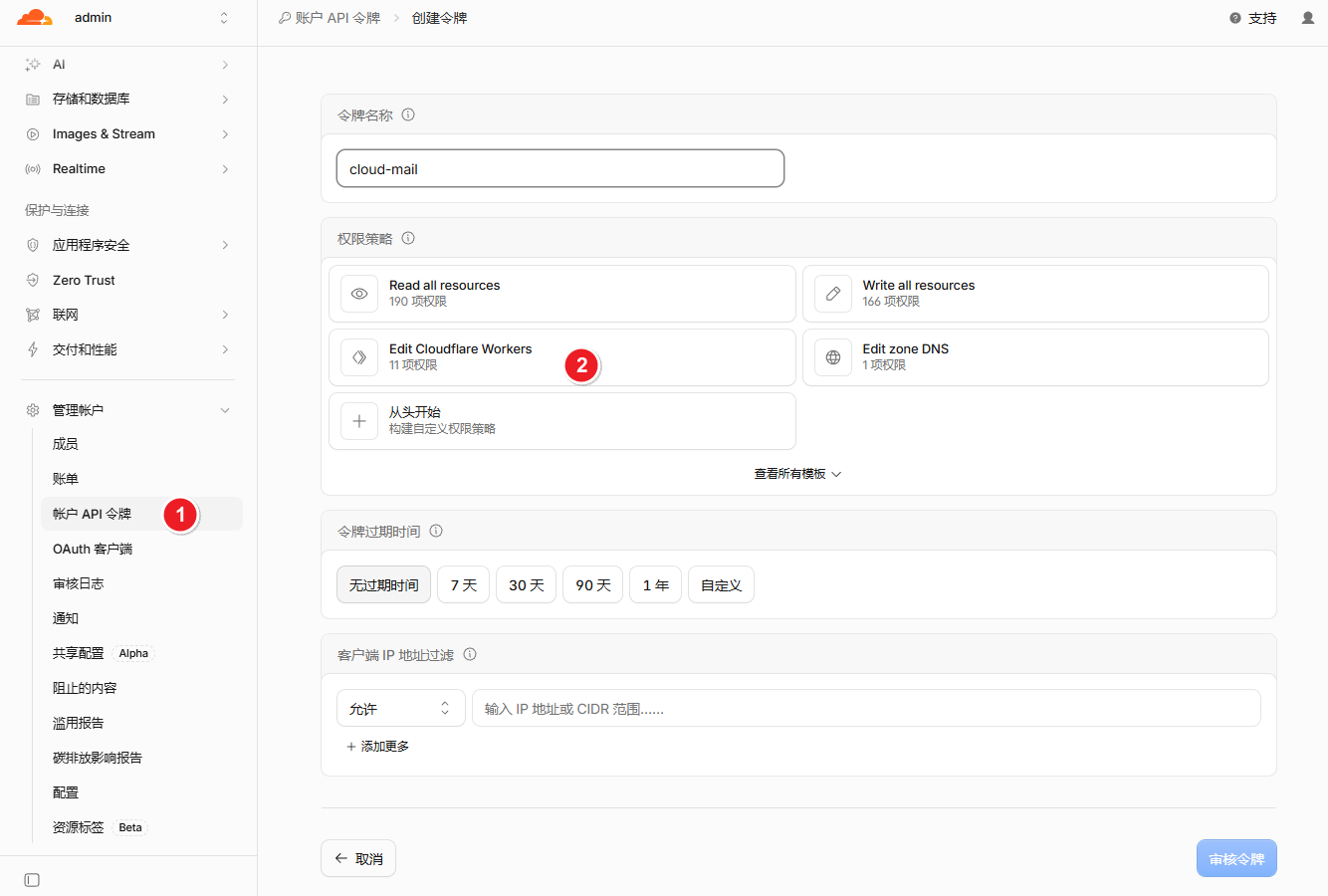
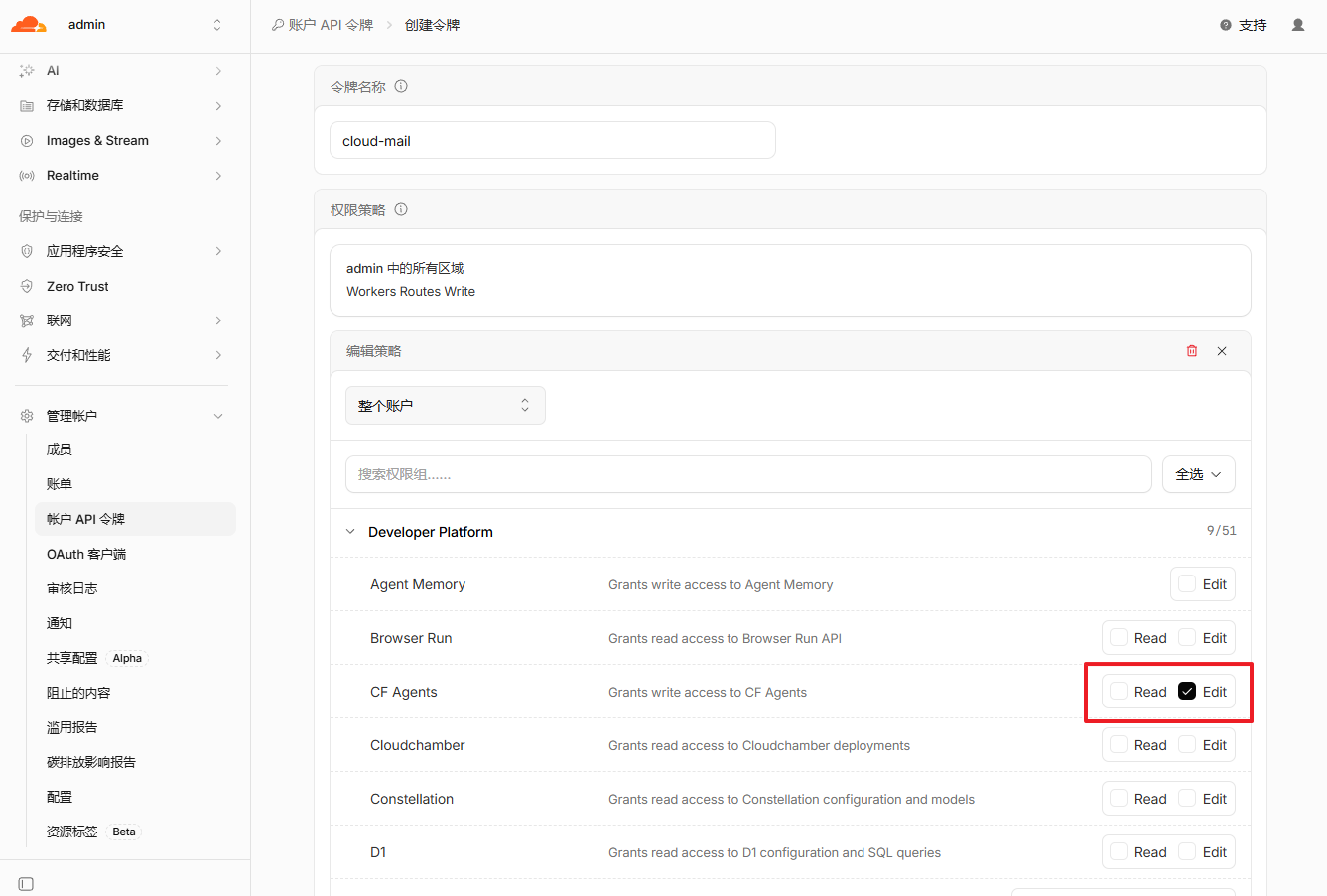
Configure the required permissions.
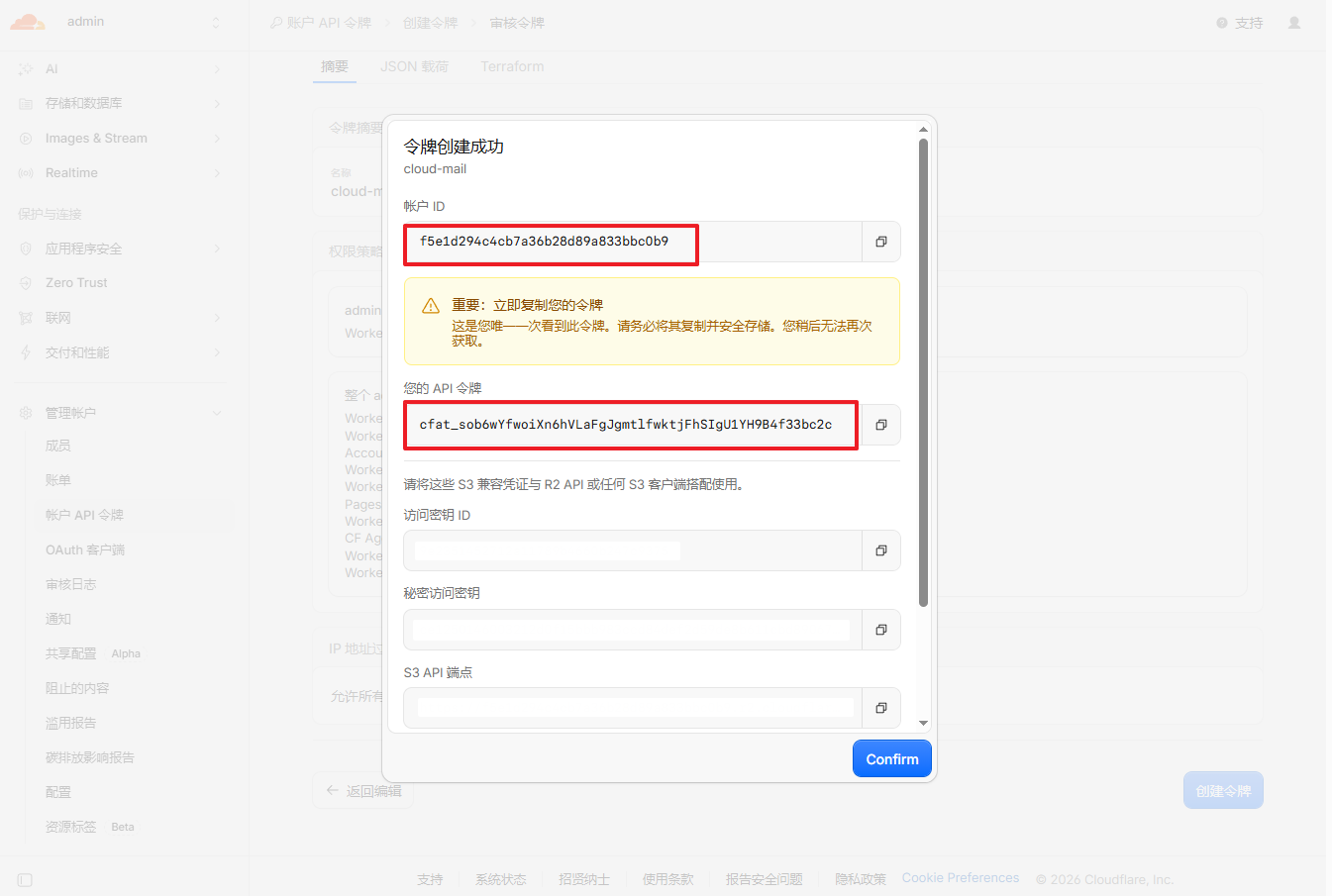
Copy the generated API token.
Environment Setup
Fork the repository: https://github.com/maillab/cloud-mail
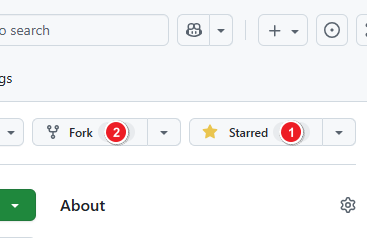
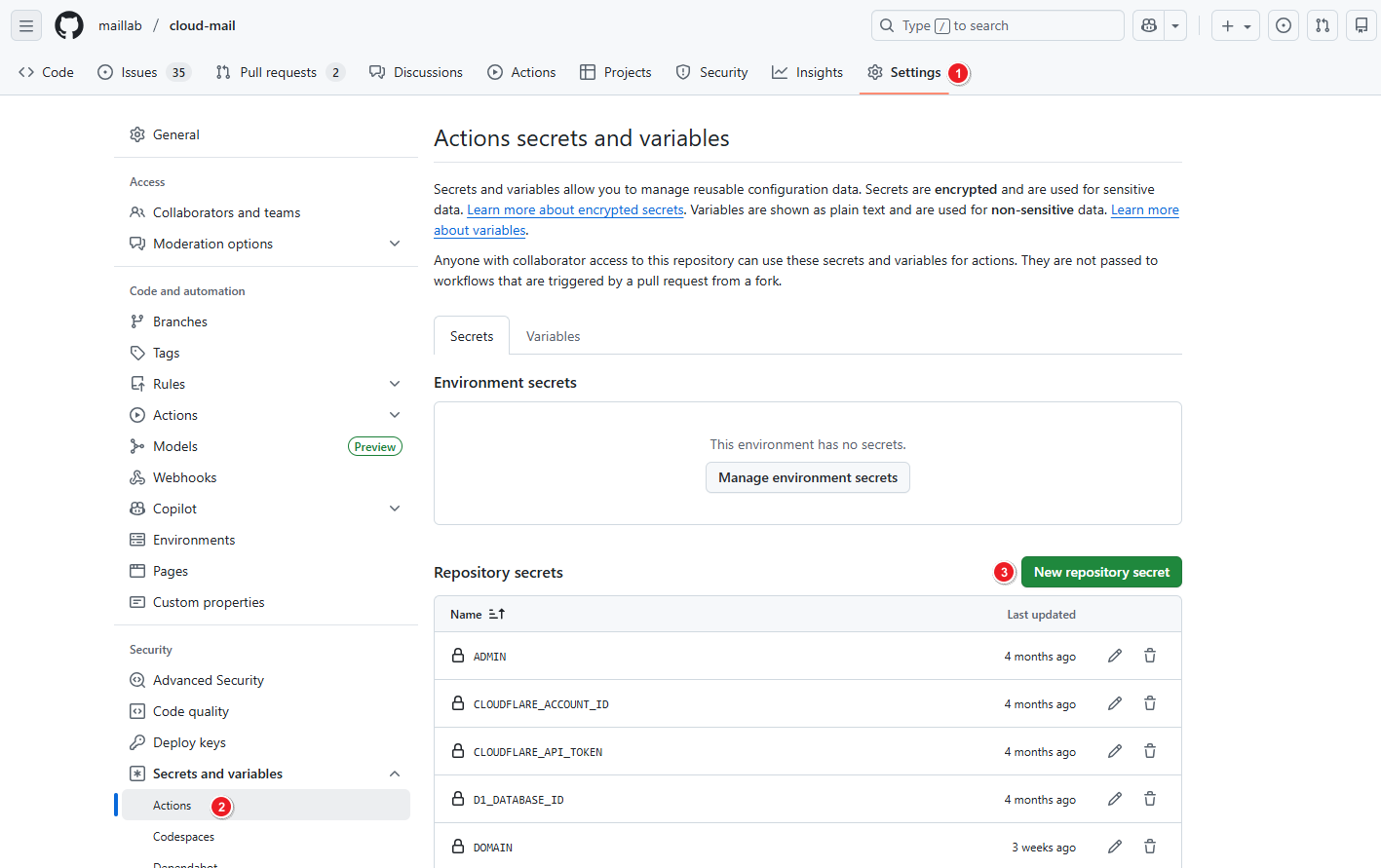
Configure GitHub Actions secrets.
| Secret Name | Required | Description |
|---|---|---|
| CLOUDFLARE_API_TOKEN | ✅ | Cloudflare API token |
| CLOUDFLARE_ACCOUNT_ID | ✅ | Cloudflare account ID |
| CUSTOM_DOMAIN | ✅ | Worker custom domain, e.g., skymail.ink |
| DOMAIN | ✅ | Email domains, e.g., ["example.com", "example2.com"] |
| ADMIN | ✅ | Administrator email address, e.g., admin@example.com |
| JWT_SECRET | ✅ | JWT secret key (any random string, do not use special characters) |
| NAME | ❌ | Worker project name (optional) |
| D1_DATABASE_ID | ❌ | D1 database ID (optional) |
| KV_NAMESPACE_ID | ❌ | KV namespace ID (optional) |
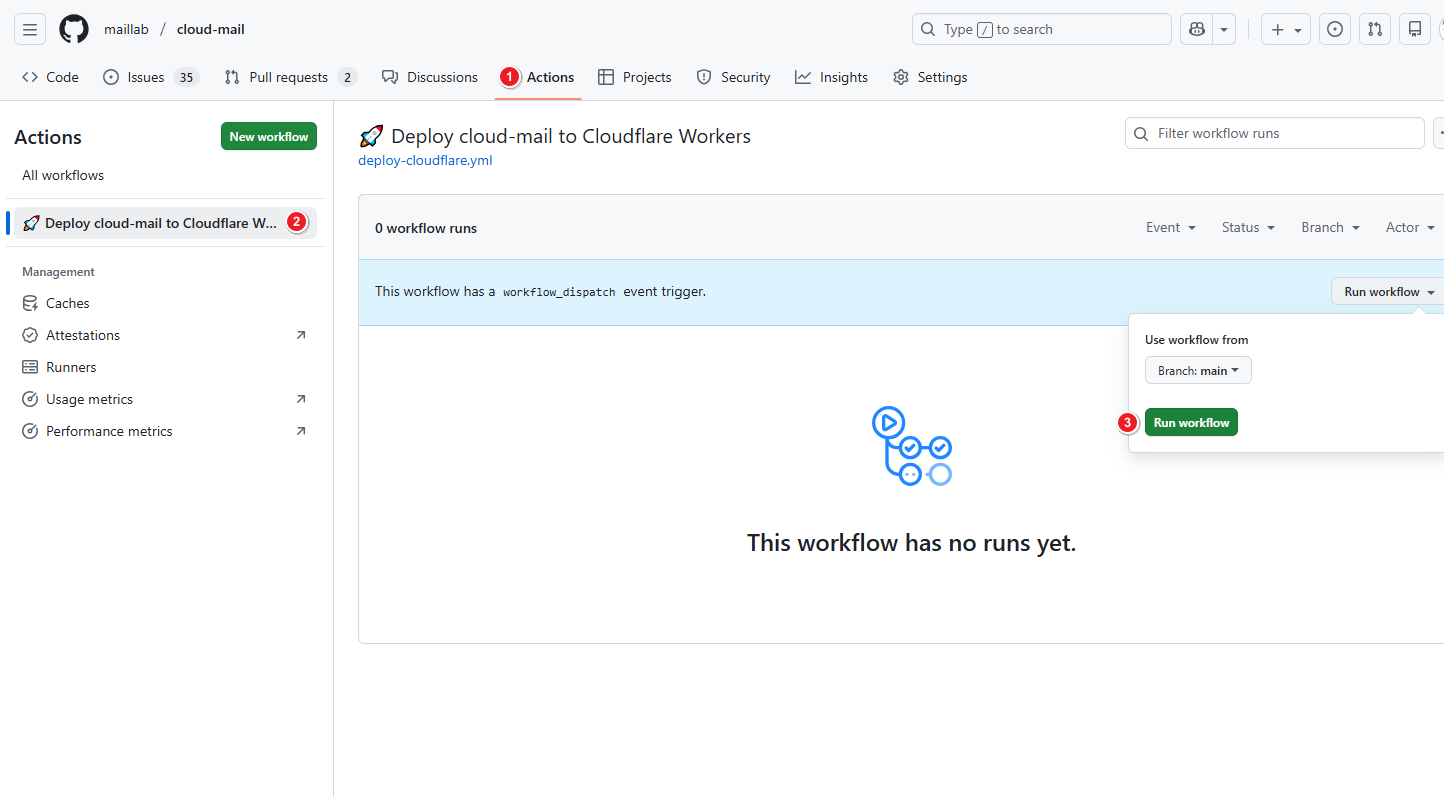
Deployment
Run the GitHub Actions workflow.
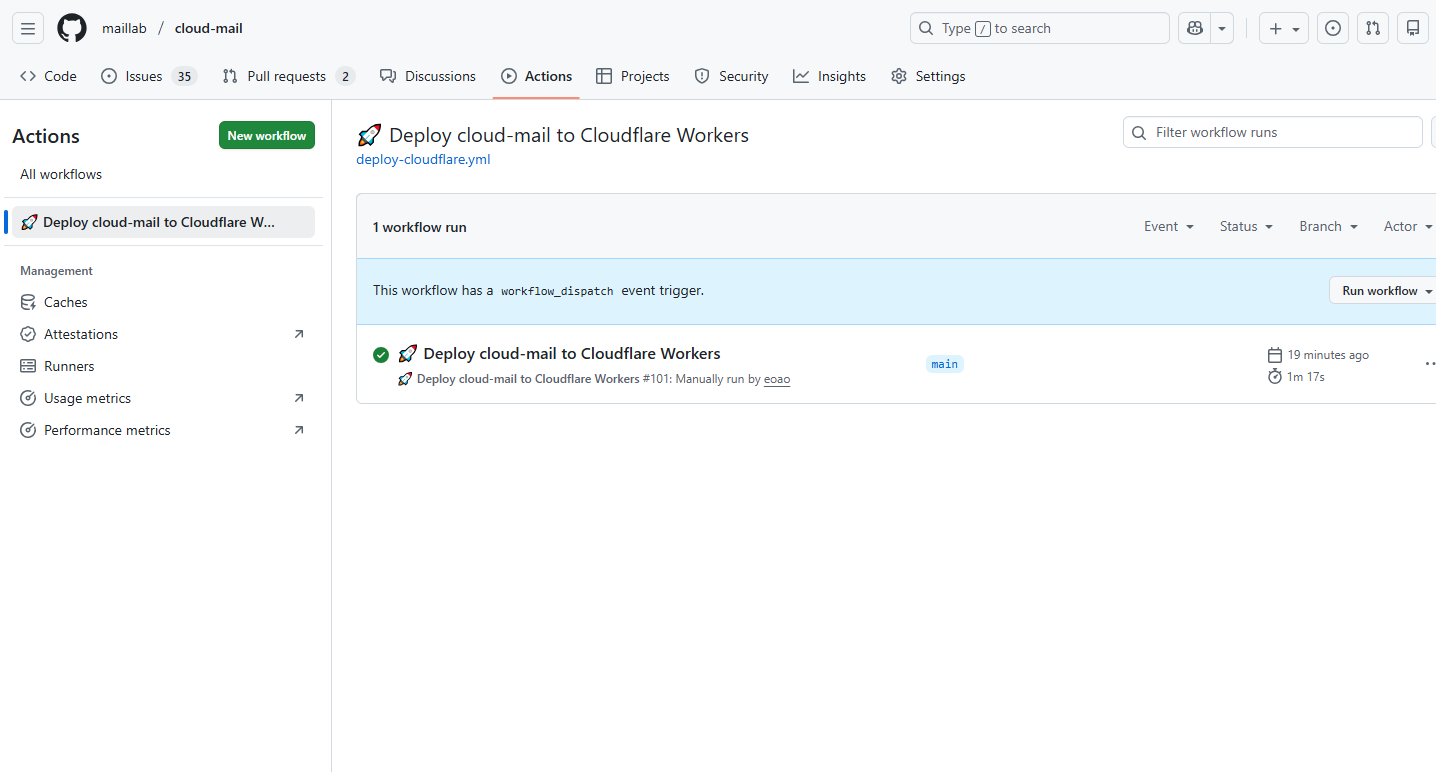
Wait for the workflow to complete.
Configure Email Forwarding
Refer to the Dashboard deployment steps: Configure Email Forwarding
Open the custom domain in a browser and create an admin account to log in.