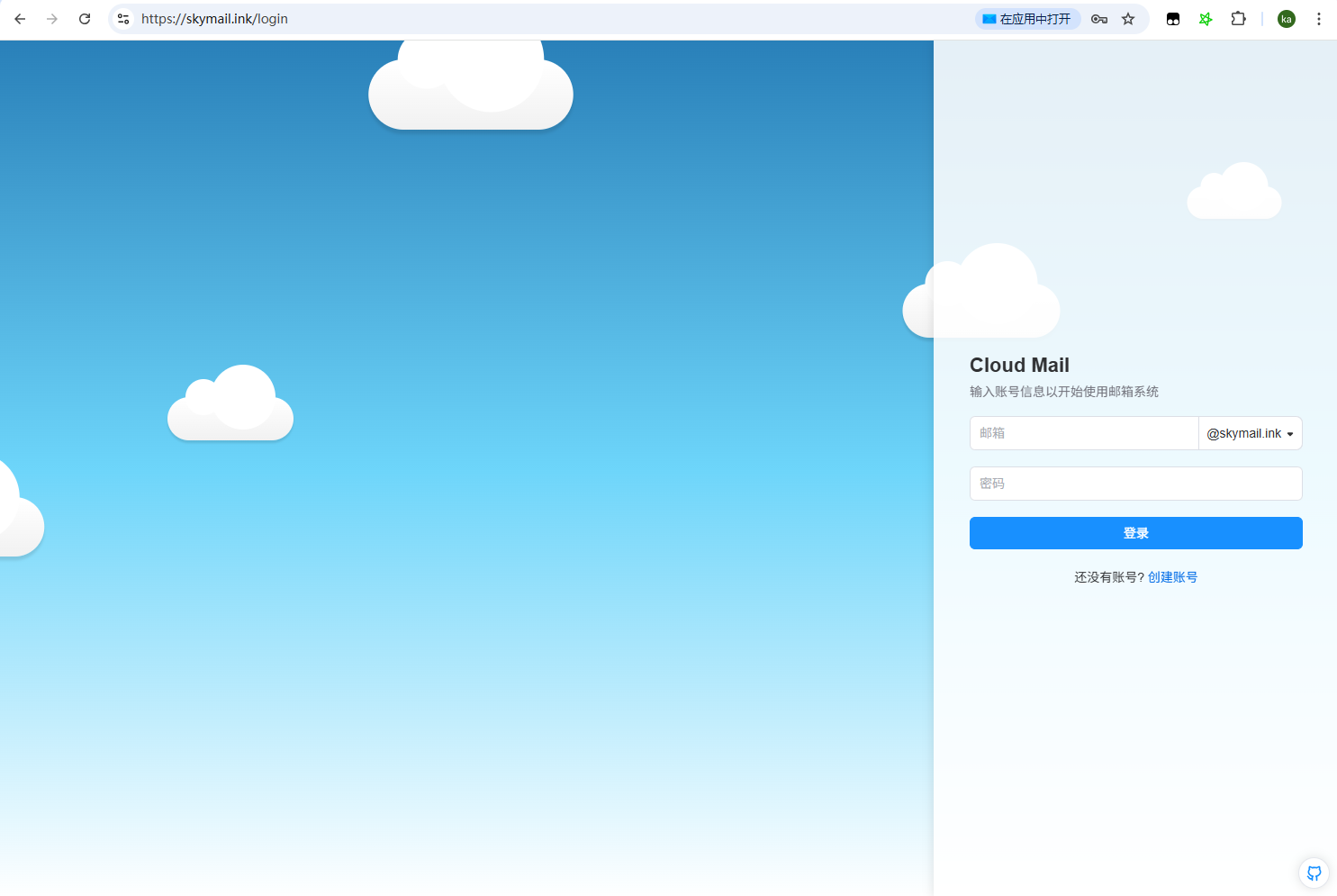
Dashboard Deployment
Create the Project
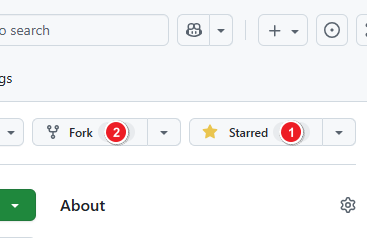
- Fork or clone the repository to your own GitHub account: https://github.com/maillab/cloud-mail
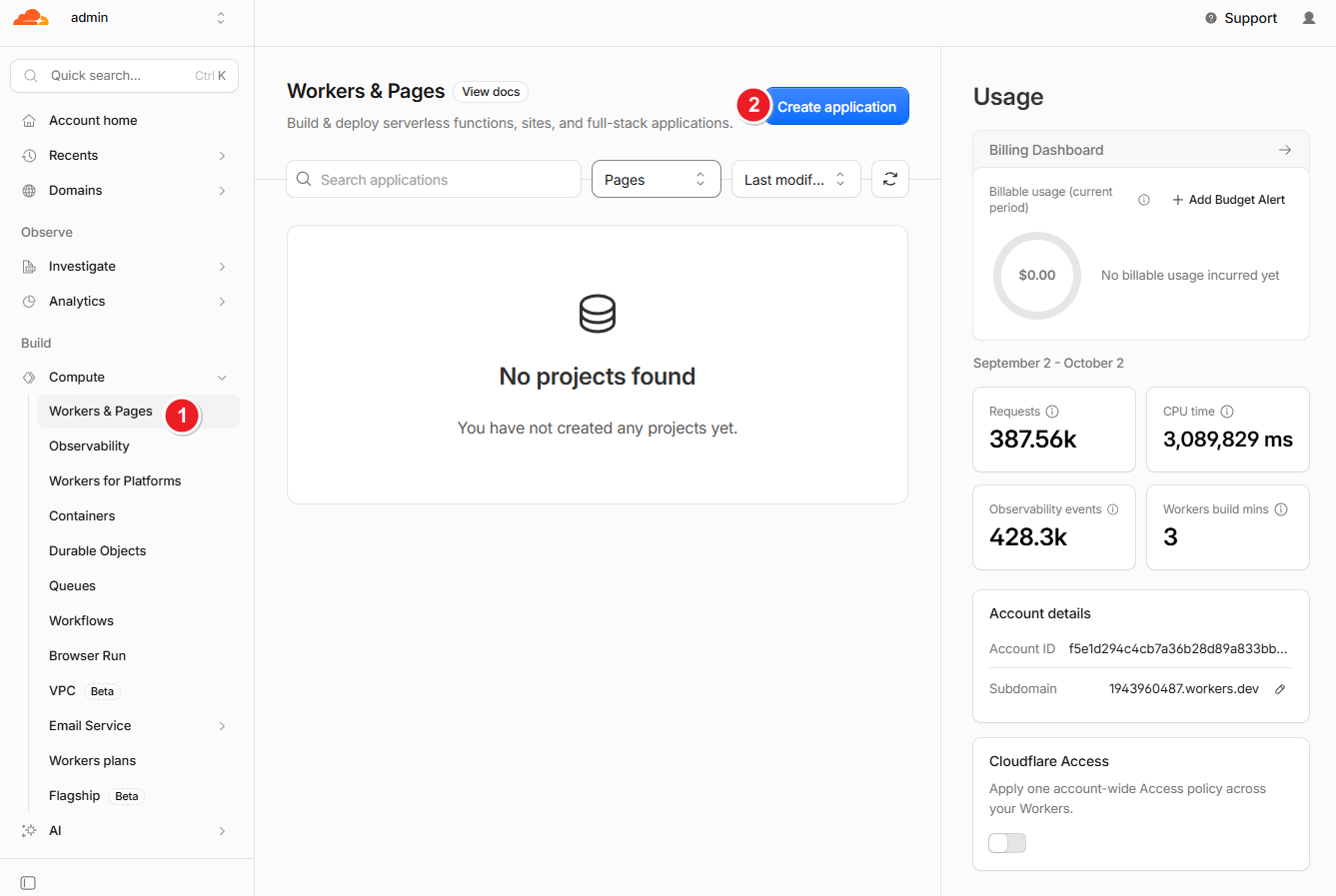
- Create a new Worker project
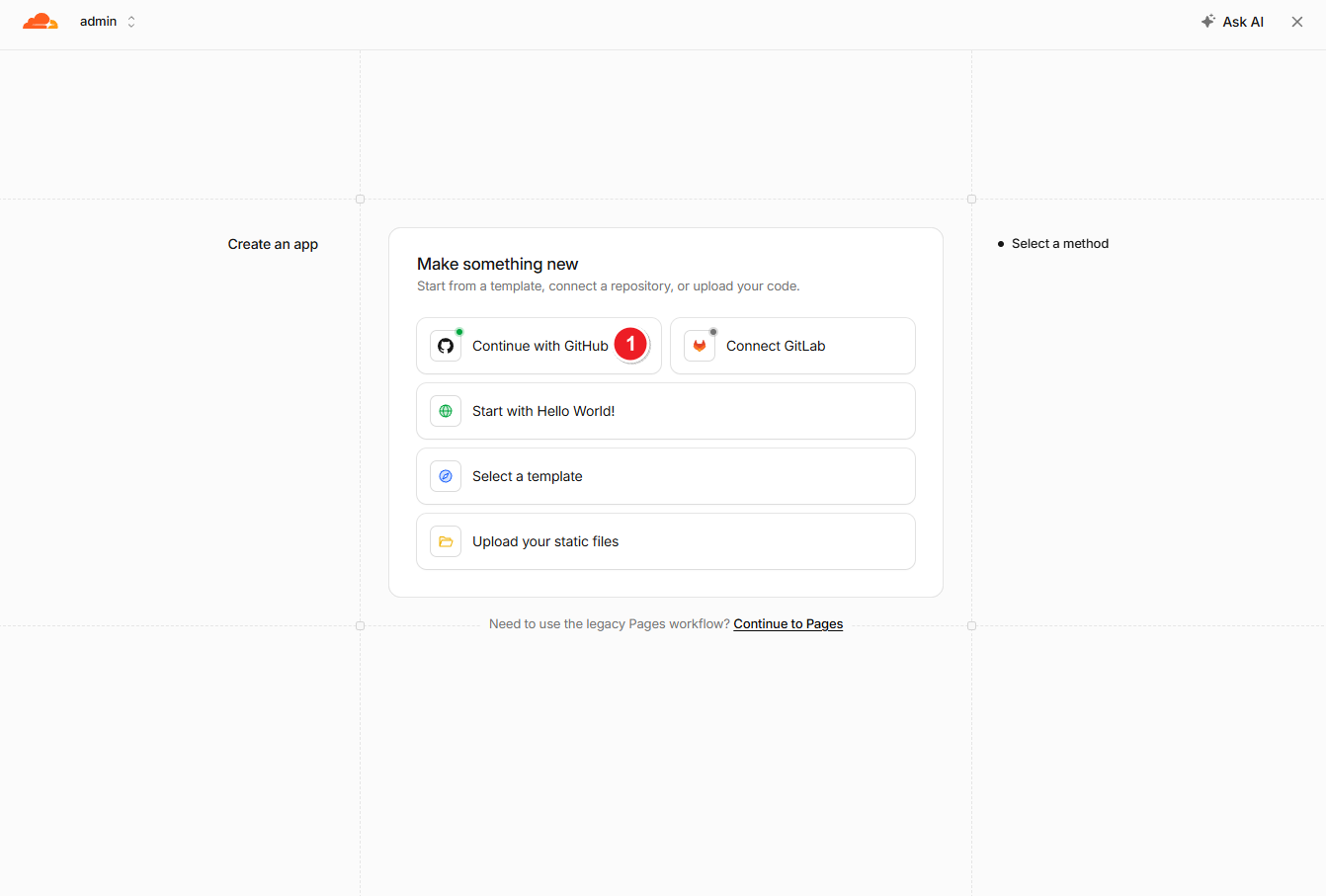
- Choose Import from GitHub
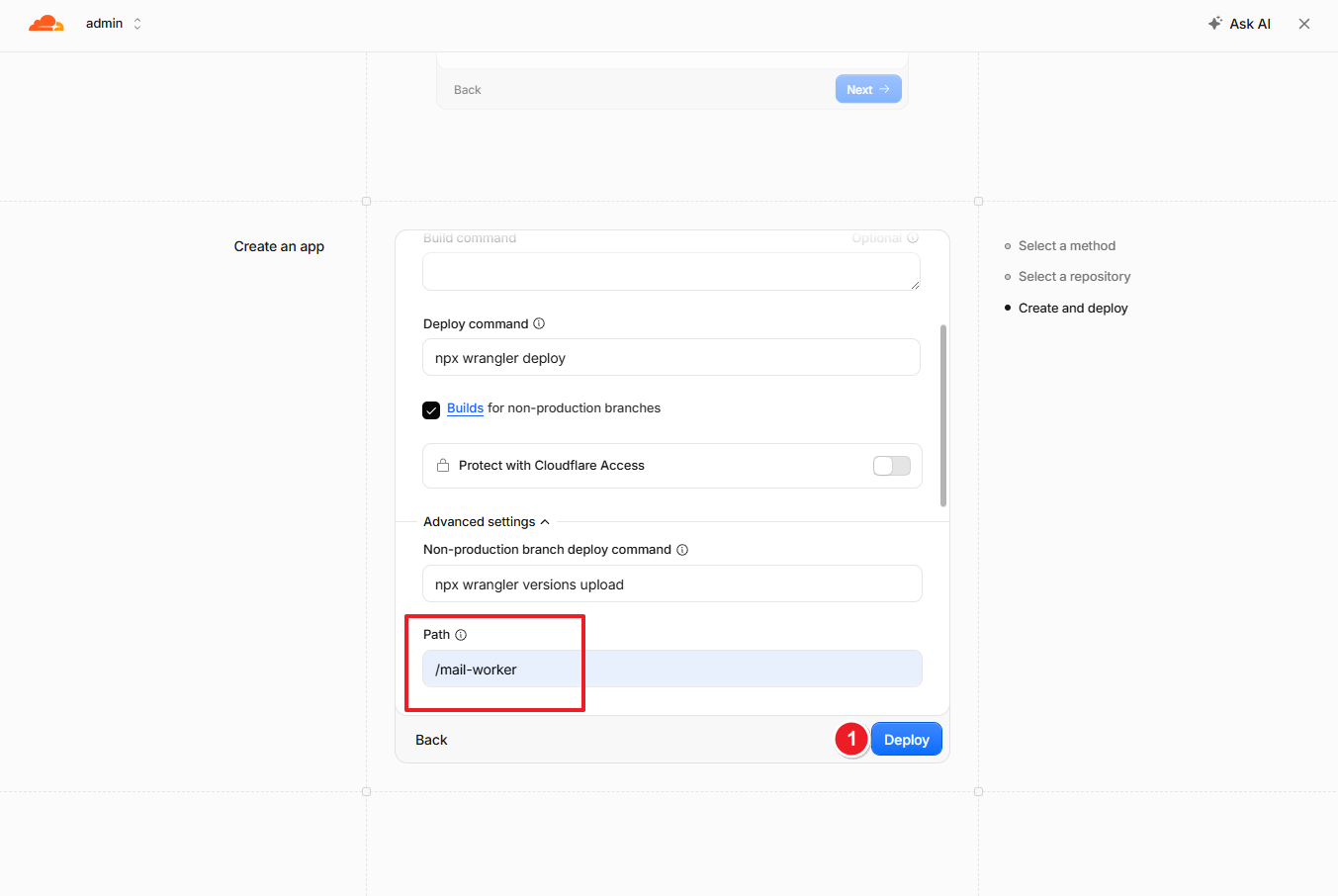
- Set the directory to
mail-workerand deploy the project
Configure Environment Variables
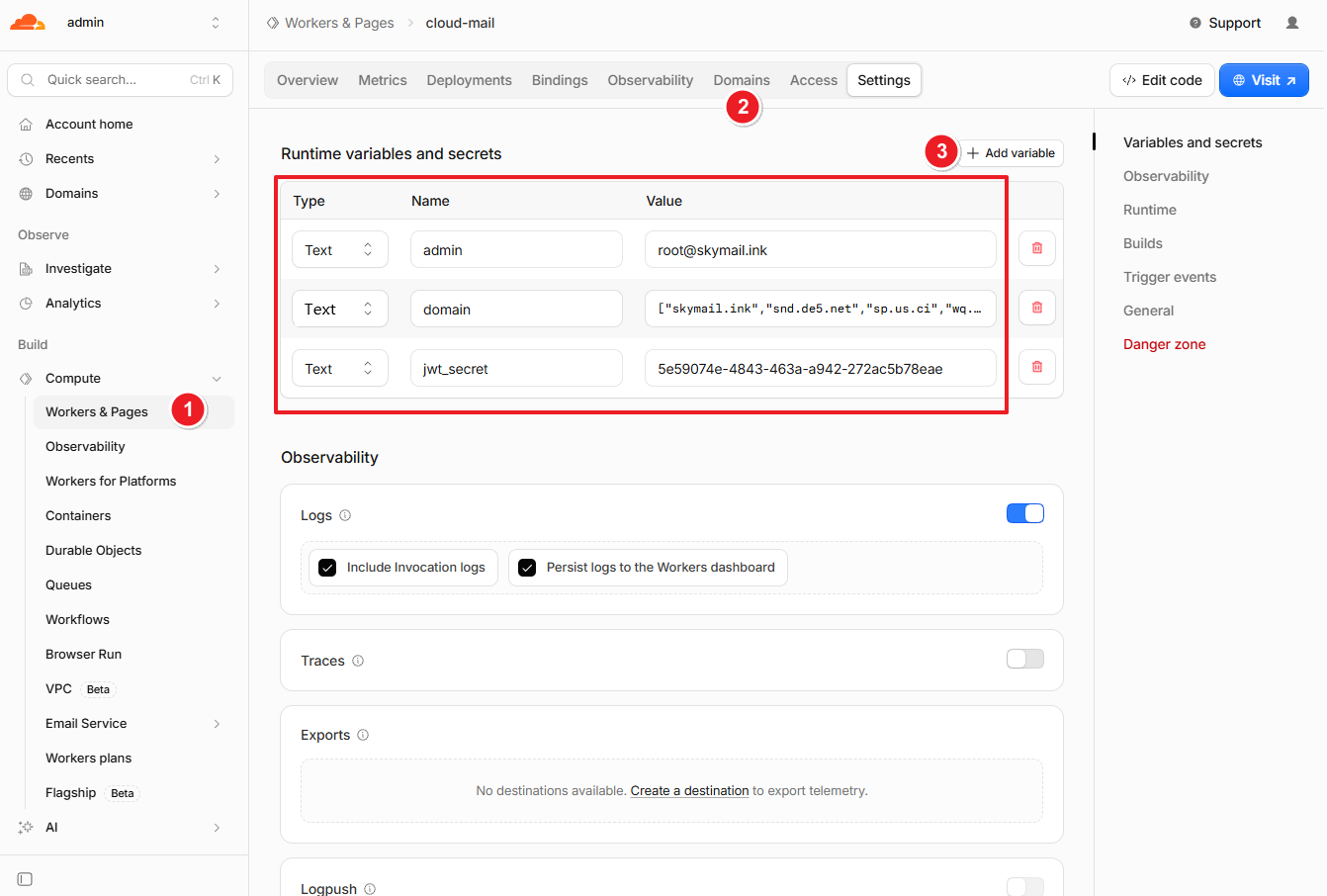
| Variable Name | Required | Description |
|---|---|---|
| domain | ✅ | Email domain(s). Multiple domains are supported (e.g., ["example.com", "example2.com"]) |
| admin | ✅ | Administrator email address (e.g., admin@example.com) |
| jwt_secret | ✅ | JWT secret key. Use any random string; do not include special characters |
Bind Databases
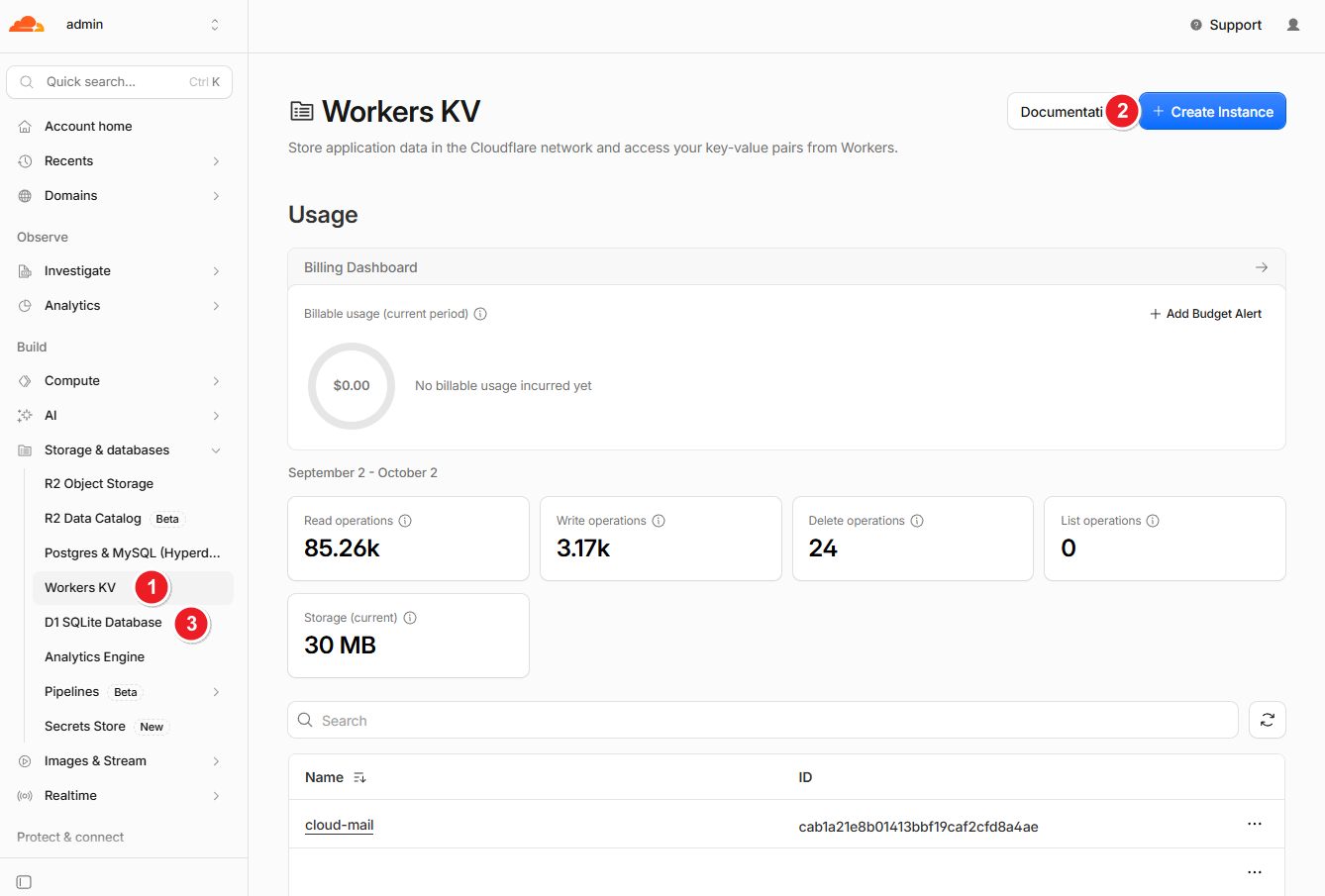
- Create the KV and D1 databases
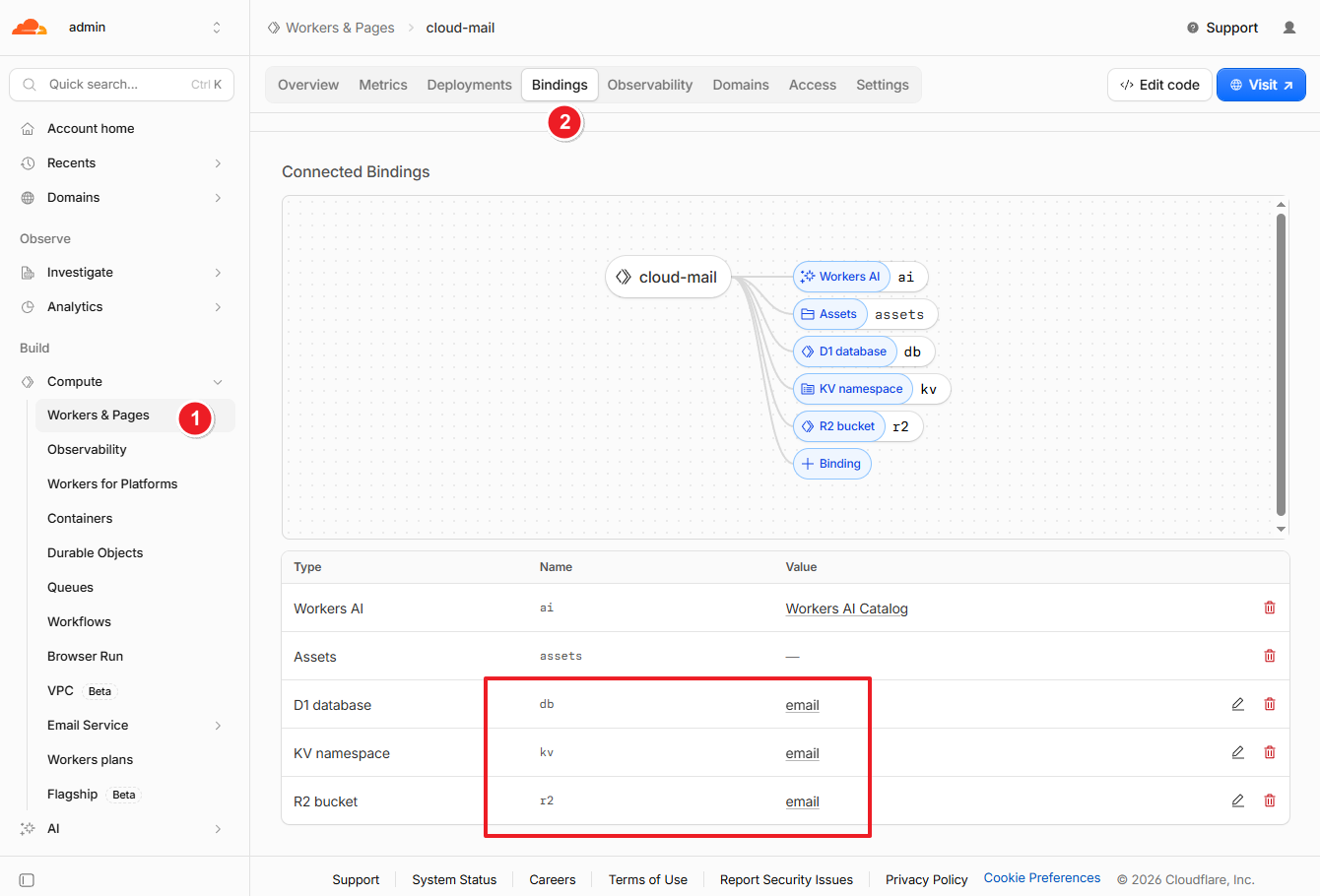
- Add bindings. The variable names must be
kvanddb
Configure Email Forwarding
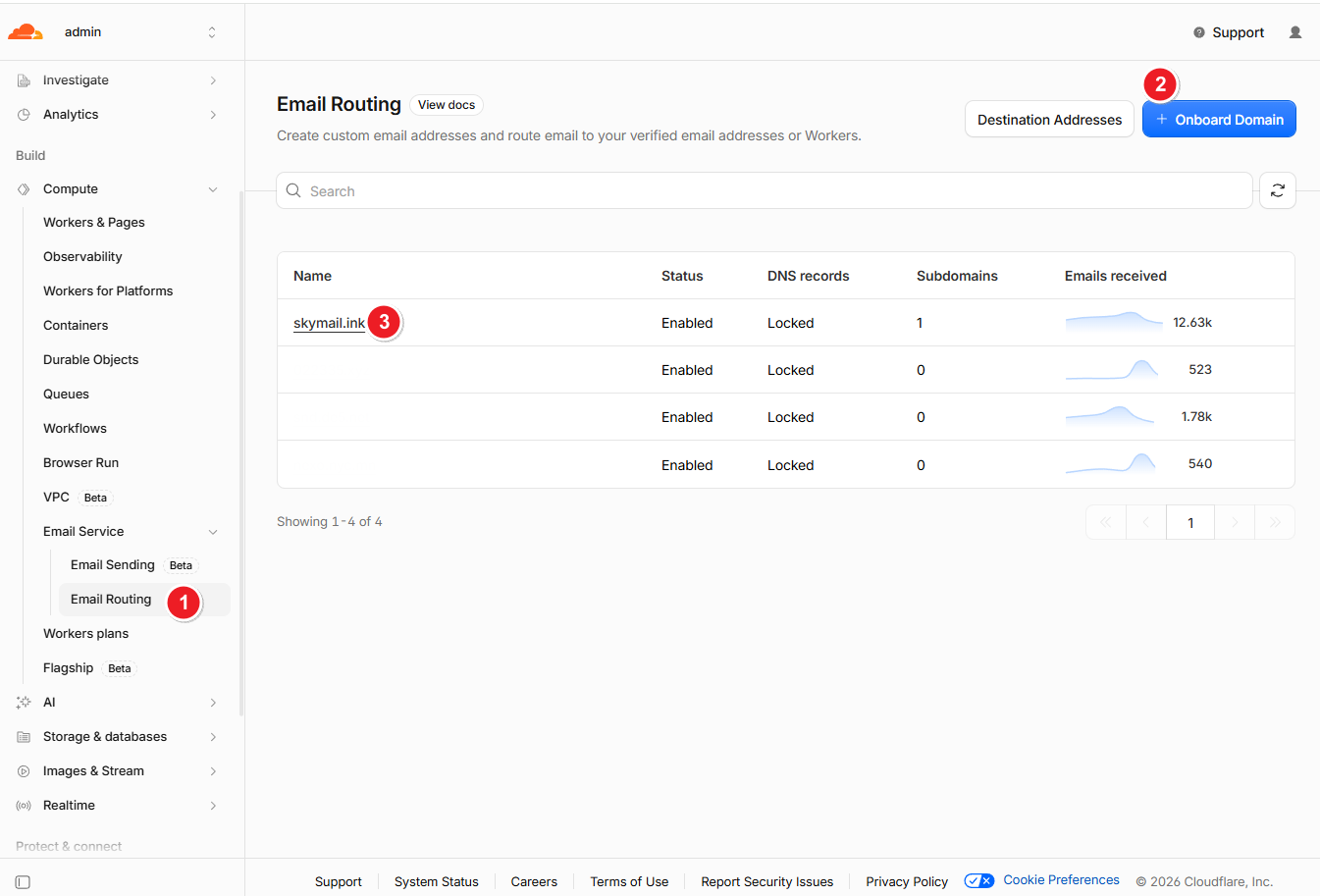
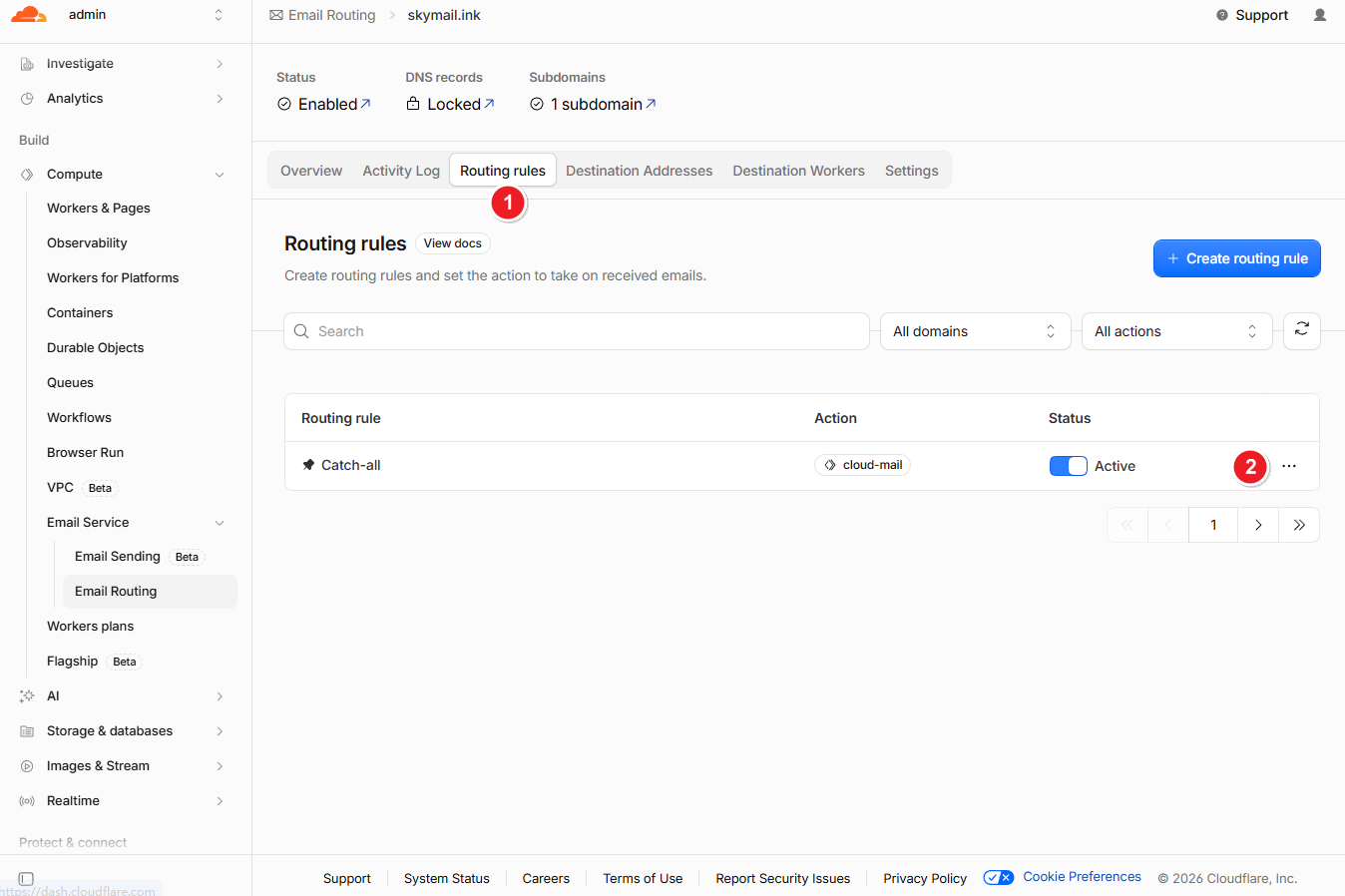
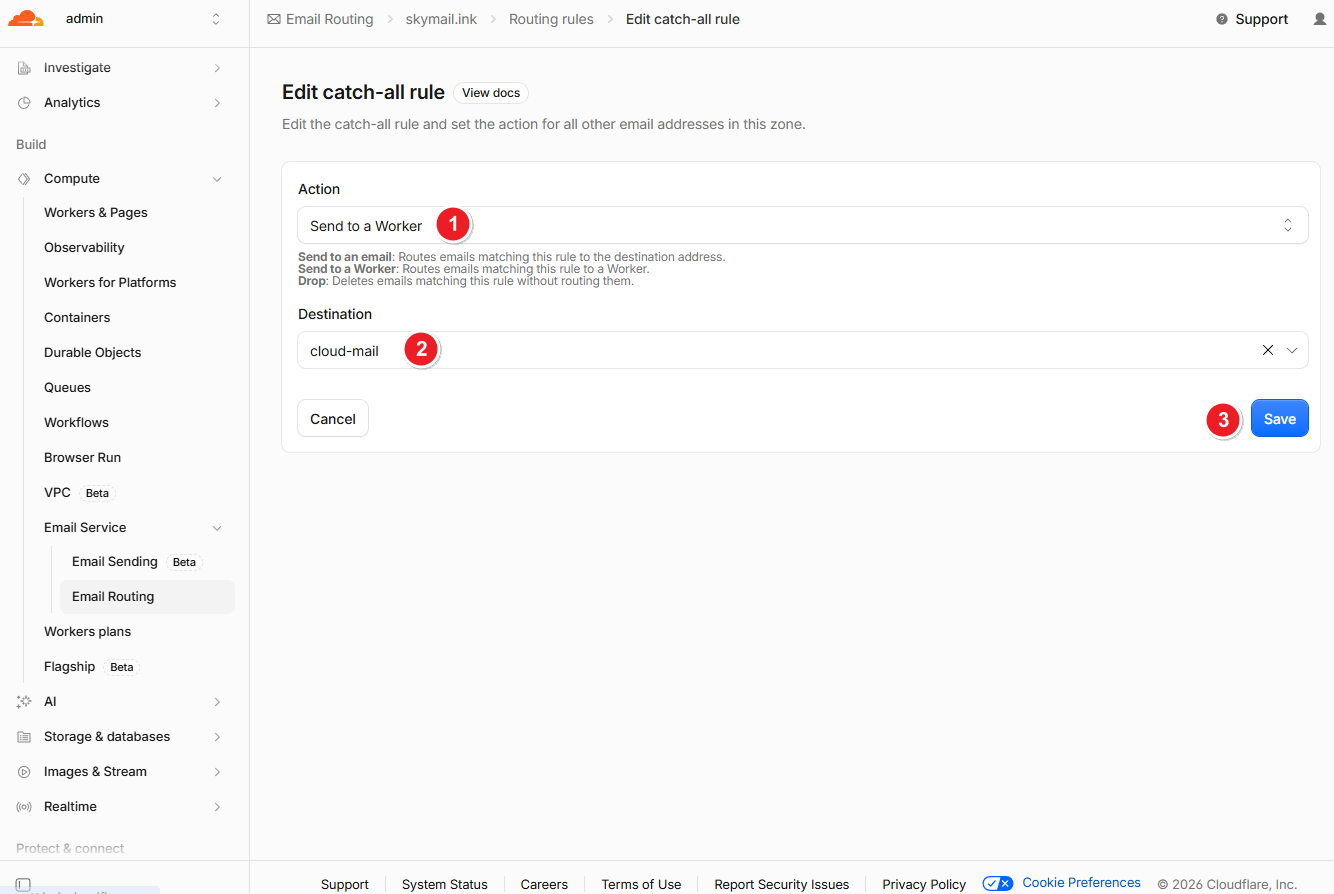
Log In to the Website
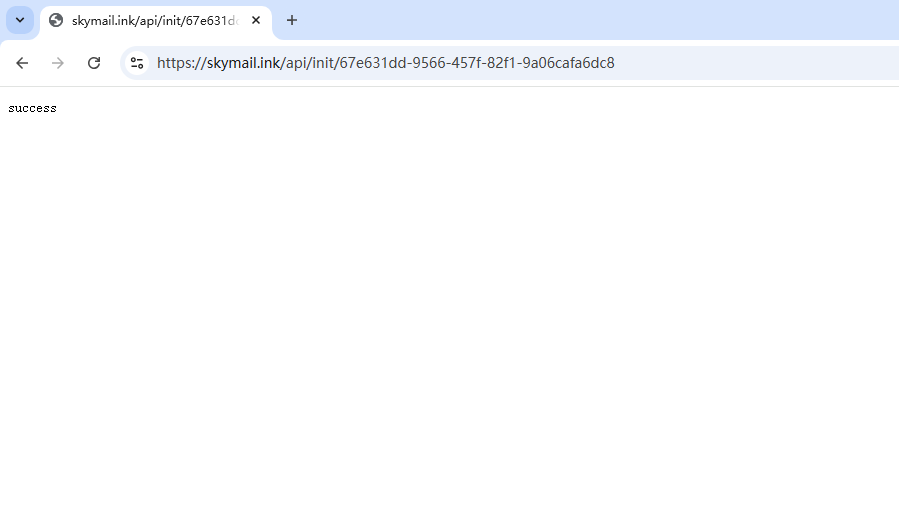
Open the following URL in your browser to initialize the database:
https://<your_worker_domain>/api/init/<your_jwt_secret>
- Open your worker domain in the browser, register the administrator account, and sign in to the website